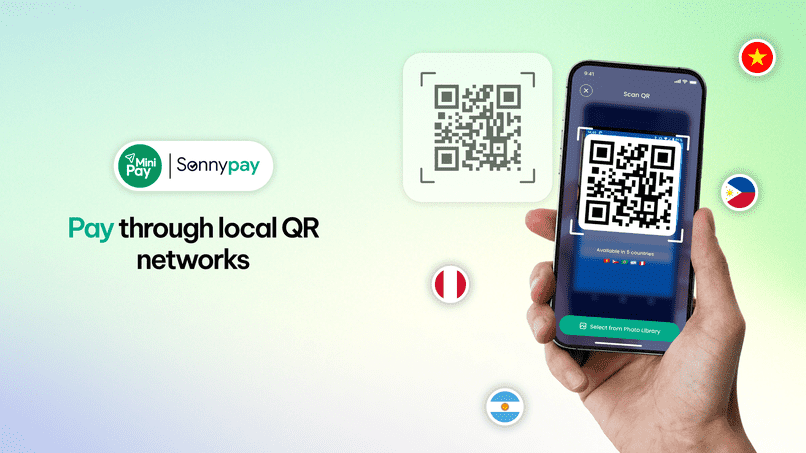
Whether you're travelling, living abroad or moving between countries, paying for everyday things can mean navigating different local payment systems. With MiniPay, users can make payments through supported local QR networks in four markets: Vietnam, the Philippines, Argentina and Peru.
Through Sonny Pay, a payment Mini App within MiniPay, users can scan supported national QR codes to make everyday payments. The service connects with existing local payment infrastructure, allowing merchants to receive the corresponding amount in local currency through their local bank or e-wallet accounts.
Where Can You Pay with Sonny Pay?
Local QR payments through Sonny Pay are currently available in four markets. The supported QR networks vary by country.
Vietnam
Sonny Pay supports VietQR, MoMo and ZaloPay in Vietnam.
Vietnamese residents cannot make payments within Vietnam using this service, although they can use it in other supported countries. Users should check their eligibility before making a payment.
The Philippines
In the Philippines, supported networks include QRPH, GCash, MayaPay, GrabPay and Coins.
These integrations connect the payment experience to existing local QR payment infrastructure.
Argentina
In Argentina, Sonny Pay supports QR3.0.
Users can access the payment feature through MiniPay and scan supported QR codes within the local network.
Peru
In Peru, supported networks include Yape and Plin.
Users can use the Mini App to make payments through QR codes connected to these networks.
How Do Local QR Payments Work?
The experience is designed around a straightforward process: access the Mini App, scan a supported QR code and make the payment.
- Open MiniPay. Access the Sonny Pay Mini App.
- Scan a supported QR code. Use the mini app to scan a QR code connected to a supported network in the relevant market.
- Follow the payment instructions. Complete the payment according to the steps displayed in the app.
Who Can Use This Feature?
Local QR payments through MiniPay are particularly relevant to people whose lives or routines cross borders, including:
- International travellers who want to make everyday payments while visiting supported markets.
- Expats and foreign residents who spend time in countries different from their home country.
- Cross-border consumers who travel between countries and need ways to pay for everyday purchases.
The feature is available in supported markets, but eligibility is not identical everywhere. KYC is required for all users.
Frequently Asked Questions
What is Sonny Pay?
Sonny Pay is a payment Mini App within MiniPay. It allows users to make everyday payments by scanning supported national QR codes in selected markets.
In which countries can I use local QR payments through MiniPay?
The feature is currently available in Vietnam, the Philippines, Argentina and Peru.
Eligibility restrictions apply, including a restriction on payments within Vietnam for Vietnamese residents.
Which QR payment networks are supported?
Supported networks vary by market:
- Vietnam: VietQR, MoMo and ZaloPay
- Philippines: QRPH, GCash, MayaPay, GrabPay and Coins
- Argentina: QR3.0
- Peru: Yape and Plin
Only supported QR codes can be used. Not every QR code or merchant is necessarily compatible.
Do I need to complete KYC?
Yes. KYC is required for all users.